Peptide tracking app vs spreadsheet
A spreadsheet is free and flexible; a tracker is built for the moment of logging. An honest look at where each one holds up.
Spreadsheets, notes apps, web calculators, and dedicated trackers all work. They fail in different places, and which one fits depends on where your particular record tends to break down.
A spreadsheet is free and flexible; a tracker is built for the moment of logging. An honest look at where each one holds up.
A notes app is fast and always on your phone, but it cannot calculate, remind, or turn entries into a structured record.
Web calculators, spreadsheet formulas, and in-app calculators do the same arithmetic. What separates them is what happens after the number is produced.
A comparison should still be useful after the next product update. That means testing the shape of the decision, not assembling a temporary feature checklist.
Spreadsheets, notes, calculators, and trackers have durable strengths. Product feature lists do not.
The useful question is where a record loses accuracy, context, or momentum—not which tool has more features.
If another category handles the reader’s priority better, the comparison should make that decision easier.
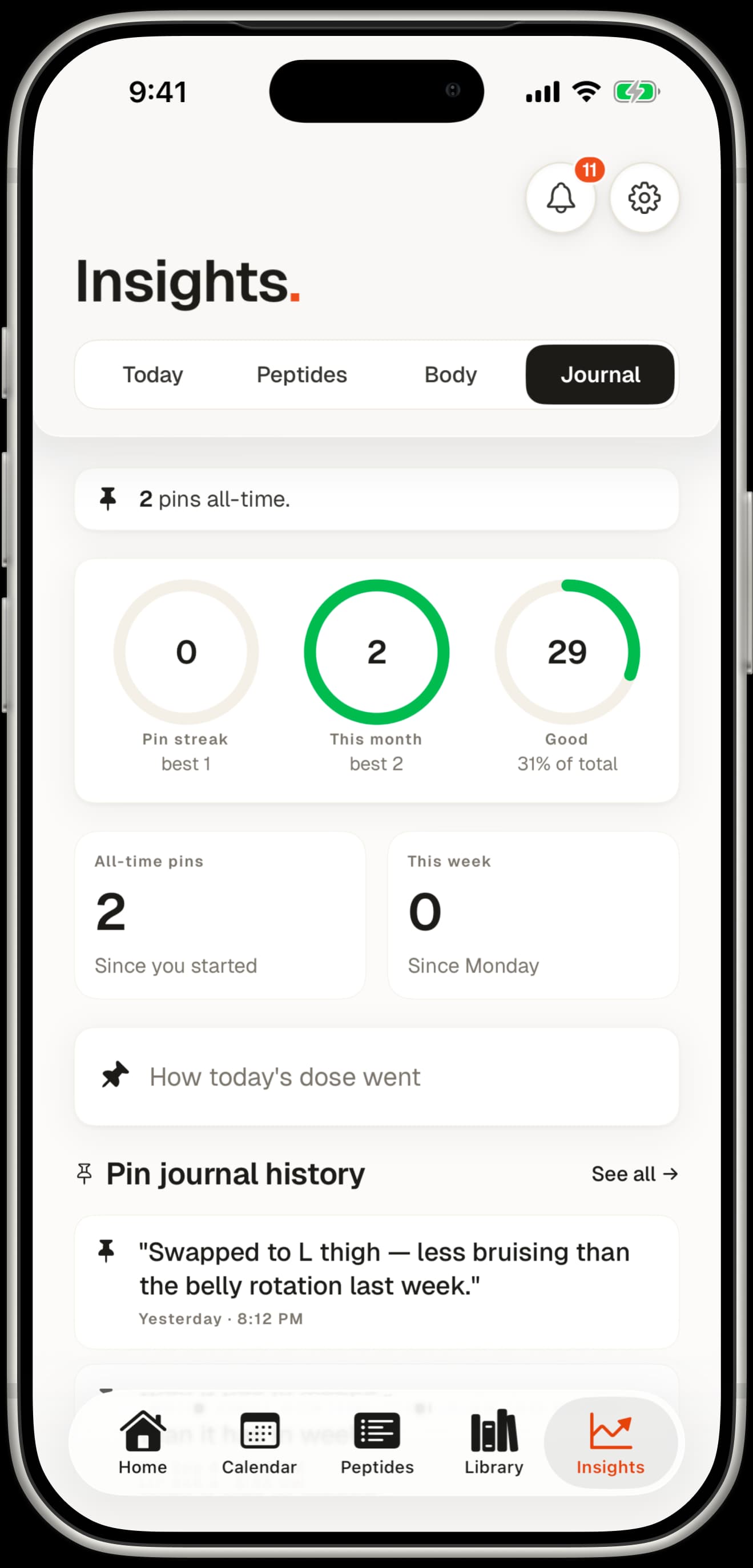
Peptmate keeps each calculation attached to the vial, schedule, and log it belongs to—while leaving the final choice of tool with you.